
Clip slot
Multi-image slideshow
Copied a batch of images? Swipe through every frame inside one clip.
Clippo is a fast, native clipboard manager for macOS that remembers everything you copy — text, code, colors, images and even API keys — and makes any of it instant to find again.
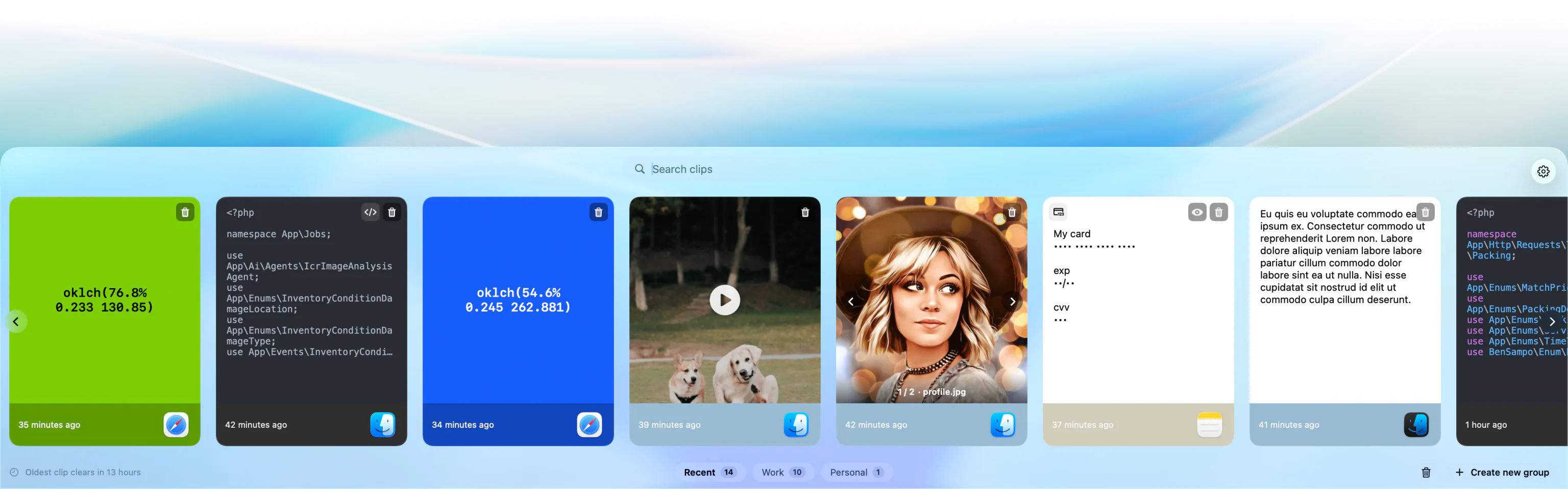
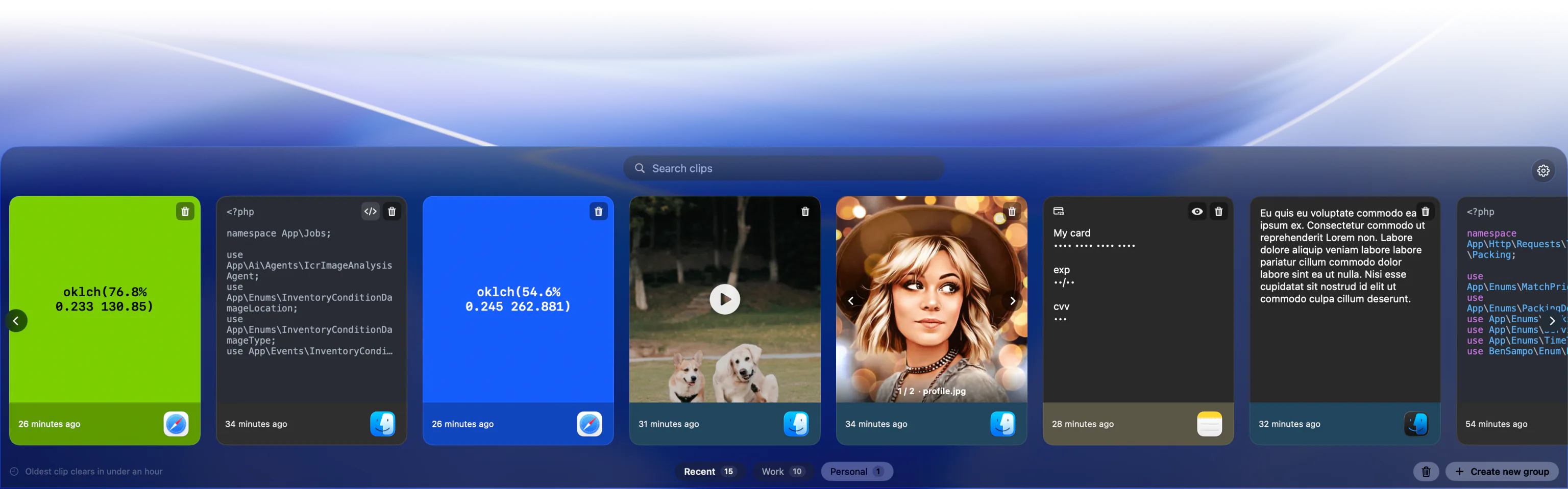
Six things Clippo does that your system clipboard can't. Each tile below is a live demo slot.
Copied a batch of images? Swipe through every frame inside one clip.
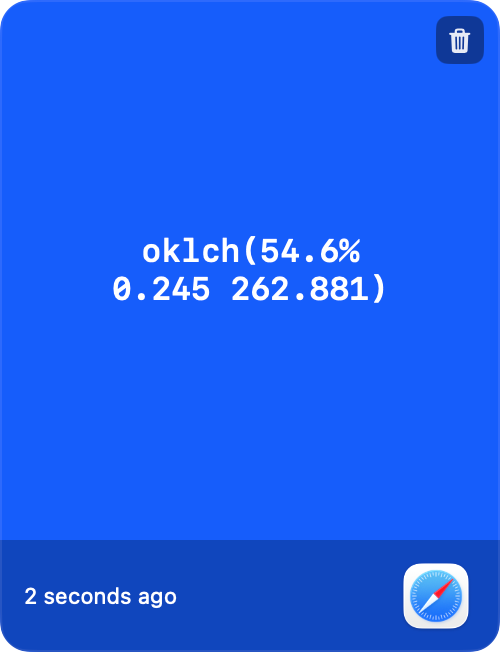
Copy any hex, rgb or rgba and Clippo renders the swatch instantly.
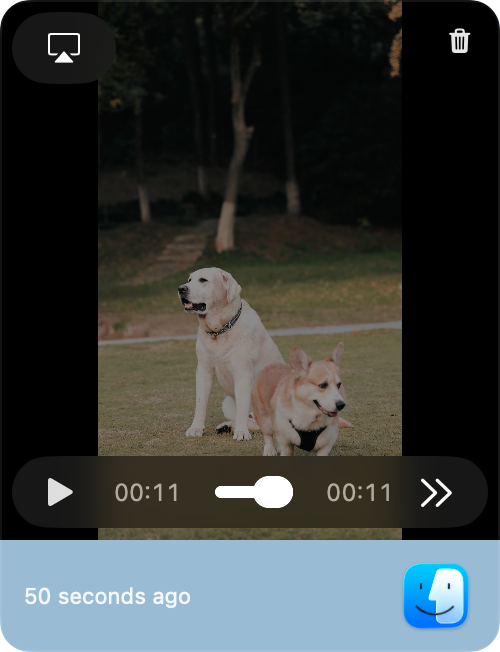
Copied a video? Scrub and preview it right inside the panel.
Pin the snippets you reach for daily into custom, reusable groups.
Find any clip the moment you start typing — text, code or filename.
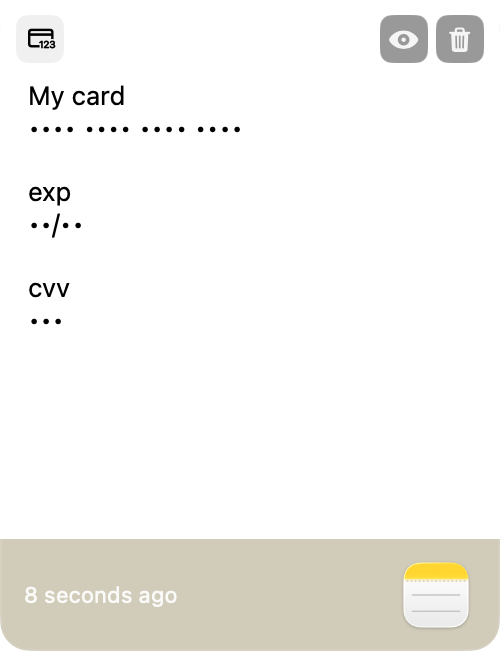
Detected secrets stay masked — require authentication to reveal or copy.
⌘C like always. Clippo silently captures text, code, colors, images and video — and remembers which app it came from.
Hit ShiftCmdV and the panel slides in from whichever edge you docked it to — top, bottom, left or right.
Search, or jump to a group. Pick a clip and it's pasted instantly into your active app. Done.
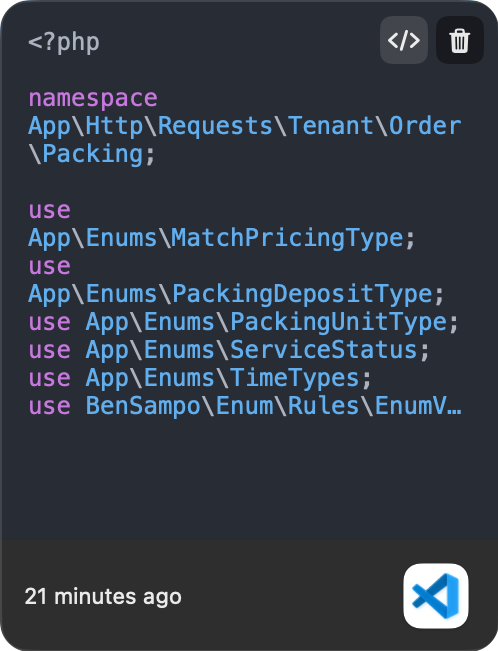
Clippo understands code, colors and config. Syntax-aware previews, instant swatches, and smart detection for the data only a developer copies a hundred times a day.
Top, bottom, left or right — Clippo slides in from wherever fits your workflow. A bottom strip for browsing, a side rail for reference, your call.
Clippo's smart detection spots API tokens, passwords and credit card numbers the instant they're copied, masks them automatically, and can require Touch ID before they're ever revealed or pasted.
No subscriptions, no accounts, no nonsense. One small payment and Clippo is yours.
Join the developers who made their clipboard a superpower. Download Clippo and try it free for 14 days.